
Map together, as a team
Geisro Teams lets you create an organisation, add members and share your projects and layers - so your whole team works from the same map, in one place, instead of trading files back and forth.
Ultra-level limits · shared across your organisation · 3 members included
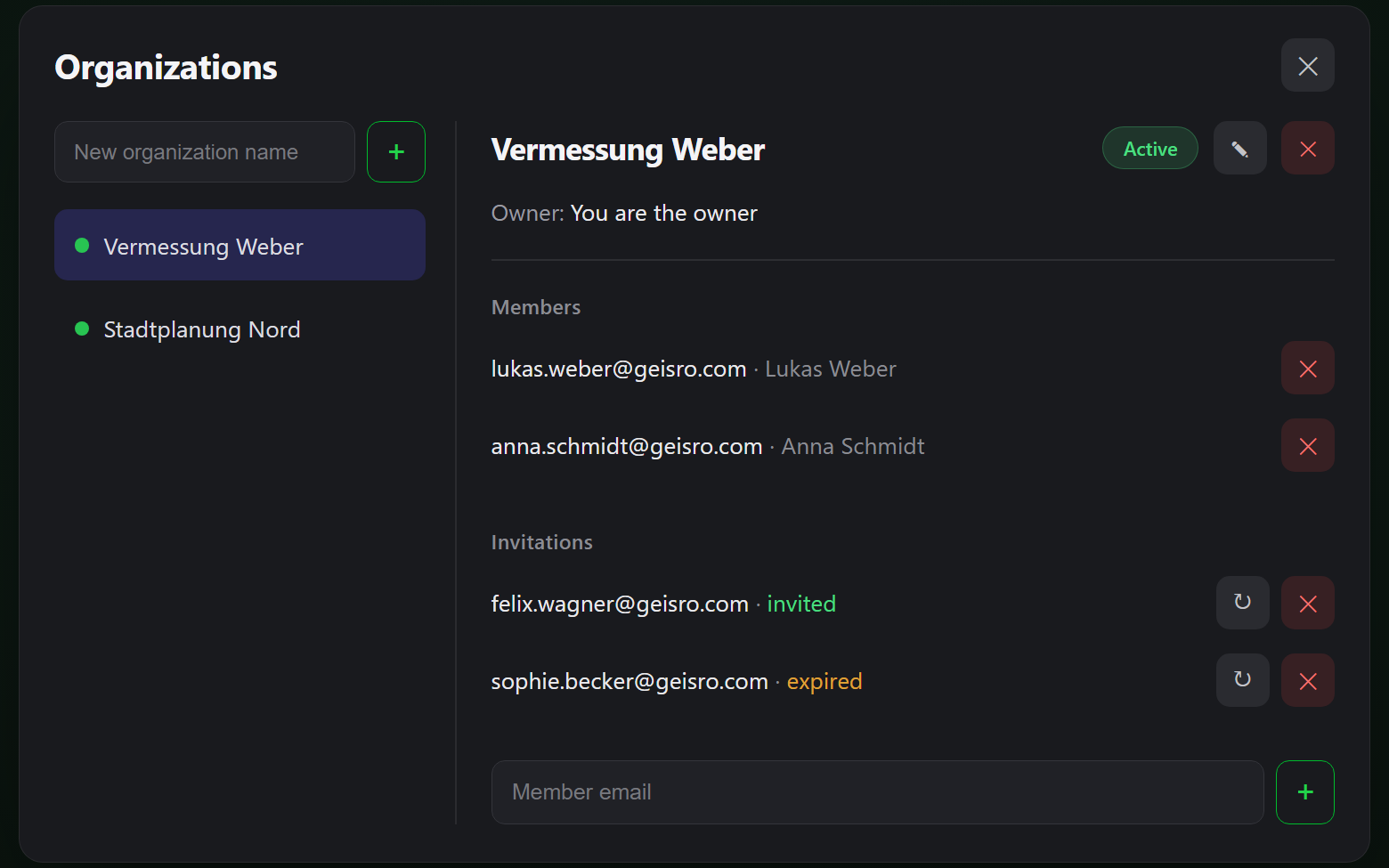
Share your projects with the whole team
One organisation, one shared set of maps, everyone in sync - in four steps.
Create an organisation
Subscribe to Team and set up an organisation for your company or project.
Add members
Invite colleagues by email - anyone with a Geisro account joins instantly and sees the shared maps.
Work together
Projects and layers created under the organisation are shared with everyone - no exporting, no copies. The whole team views and edits the same maps.
Scale up
The Team plan includes 3 members; add more whenever your team grows.
Everything you already know - drawing, layers, measurements, GeoJSON import and export and map data import - works exactly the same on shared maps, with the highest limits of the Ultra plan.
Roles and permissions
We are building fine-grained permissions for organisations. Soon you will give each member a role in every organisation they belong to - Owner, Editor or Reader - so you decide exactly who can manage the team, who can edit projects and layers, and who can only view them.
Want early access? Email support@geisro.com and we will let you know when it is ready.
Frequently asked questions
What is an organisation in Geisro?
An organisation is a shared workspace for your team. Projects and layers created under it are visible to every member, so you all work from the same map.
How many members are included?
The Team plan includes 3 members, and you can add more at any time. See the pricing page for current details.
Do members need their own account?
Yes. Each member signs in with their own Google or Microsoft account, then you add them to your organisation by email.
What roles will be available?
Role-based permissions are coming soon: Owner, Editor and Reader, set per organisation, so you control who can manage, edit or only view.
How much does it cost?
The Team plan includes Ultra-level limits plus 3 members. See the pricing page for current pricing and the full comparison.
Bring your team onto one map
N 52.5163 E 13.3777 · GEISRO ONLINE MAP EDITOR